Intelligent Ignition Developer
Lets your AI agent build real Ignition projects and prove it works.
Faster · Trusted · In your control
Request a DemoBuilds directly and safely in your Ignition gateway.
- Your screen, tag, and SQL backlog keeps outpacing capacity.
- Experienced Ignition developers are scarce and expensive. You can't hire your way out of it.
- Raw ChatGPT or Claude copy-paste means constant back-and-forth and no way to verify the result.
Faster delivery
Layout, data wiring, and scripting handled for you. A year's backlog cleared in weeks, with the team you already have.
Verifies its own work
Opens the real screen, clicks through it, and reads the gateway log before handing the work back to you.
Your standards, enforced
Reads your examples and conventions before it writes anything. An admin sets the scope; it can't widen it.
the work, in our benchmark case
~90% less time; 8 days → 1 day reference case
Dozens–hundreds of UDTs
built in minutes
Responsive-tested
checks phone, tablet, and desktop breakpoints like a developer would
Built-in guardrails
- Read-only by default
- Destructive SQL blocked
- Every change auto-committed to Git
- Concurrent-edit detection
Works air-gapped
your gateway never contacts Ectobox
Where it works
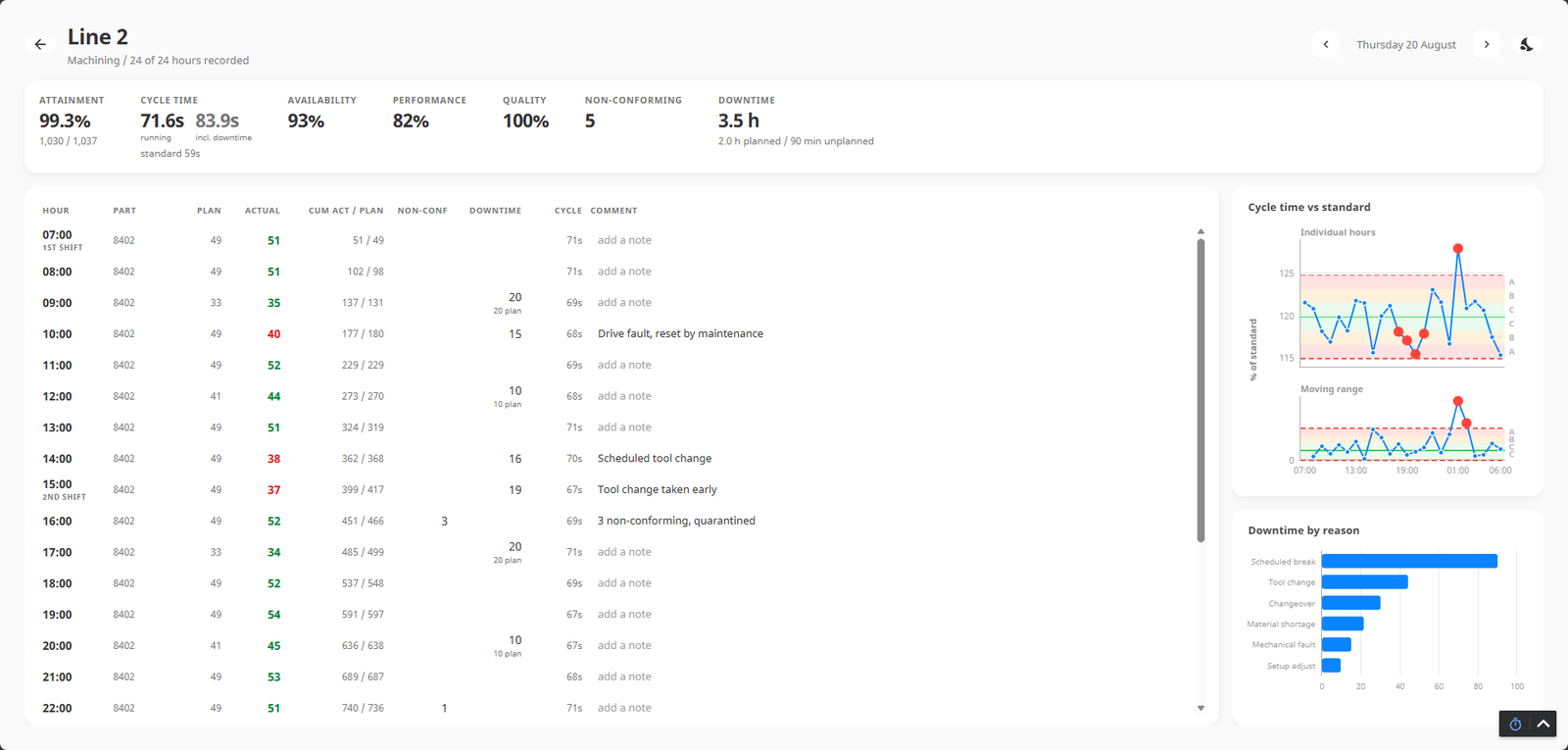
Ignition brownfield
Point it at an existing or legacy project to refactor it, re-evaluate it against your standards, or build a standards file from what's already there.
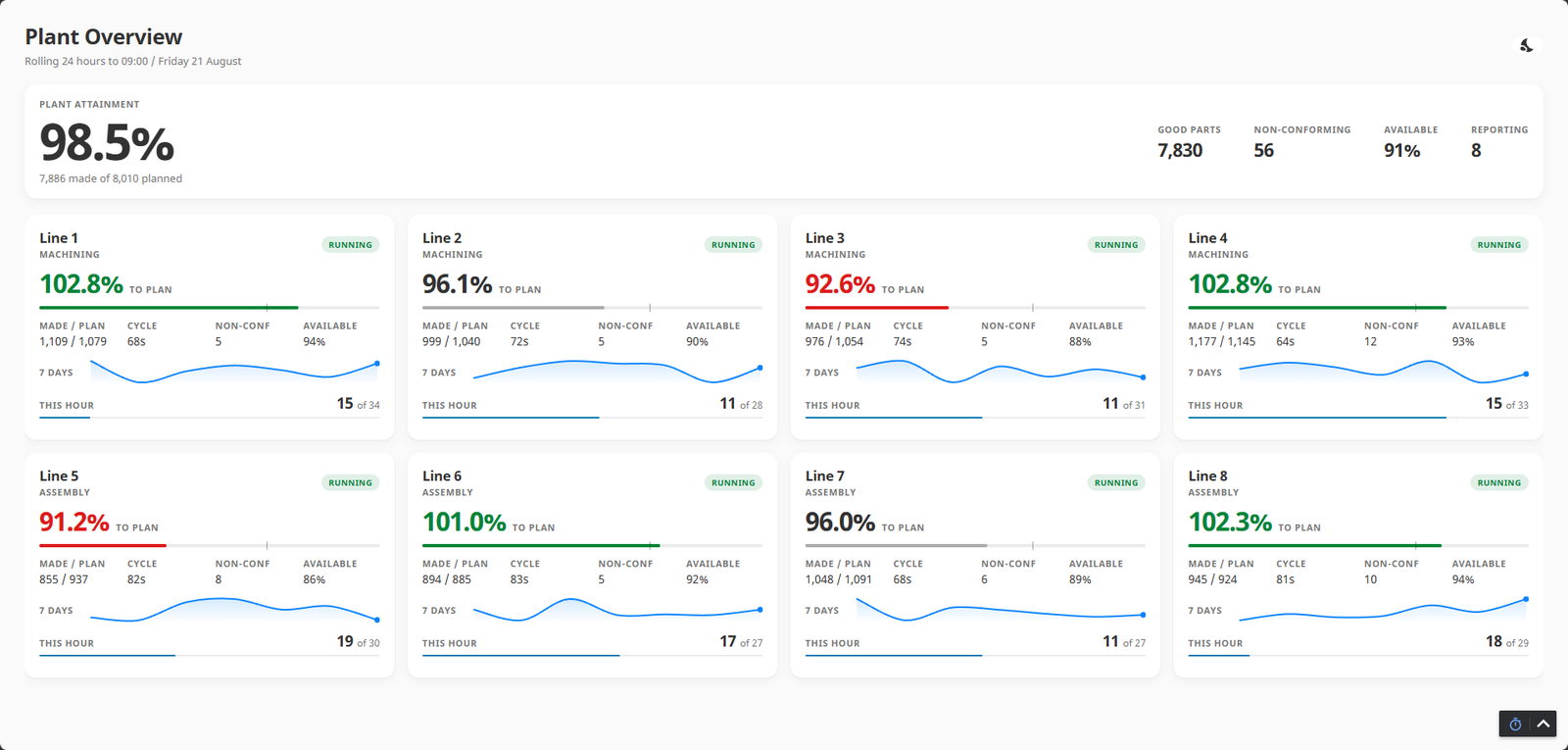
Ignition from scratch
Greenfield Perspective builds: views, tags, UDTs, named queries, and SQL bindings, wired from plain-language direction.
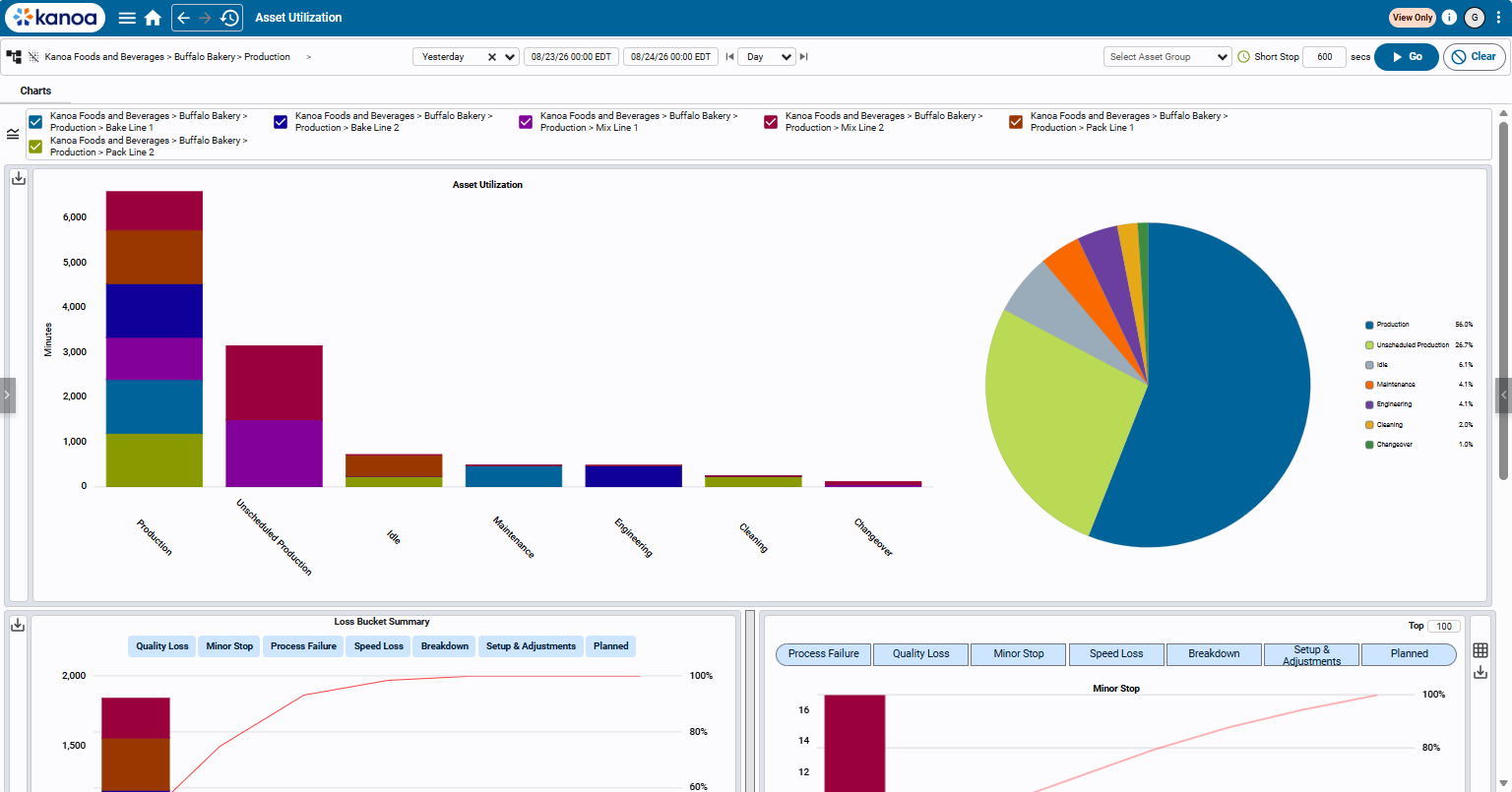
Kanoa MES
Same tool, same workflow. For Kanoa projects, it reads the existing Kanoa codebase and conventions automatically, so you don't need a separate standards file.
How it works
What it is
Two licensed components, plus your own AI agent:
- Incineration Engine is a signed Ignition gateway module (8.3+, Perspective).
- Incineration Client is a Windows desktop app.
- Your AI agent is Claude Code, Claude Cowork, or any MCP-capable agent, local or cloud, that you provide.
Requirements: Ignition gateway 8.3+ with Perspective licensed · Windows 10/11 developer workstation · your own AI agent subscription · gateway needs no internet access.
Request a demo
Tell us what you're hoping to build, and we'll follow up to set up a demo.
Thank you for setting up a demo. We will reach out to you shortly.